

Search Results for "press"

Image 1
The Future of AI: A Glimpse into Tomorrow’s Intelligent World
Artificial Intelligence (AI) is no longer a distant dream—it’s a transformative force shaping the present and redefining the future. As we stand on the brink of a new era, the potential of AI promises to revolutionize every aspect of our lives, from healthcare and education to work and entertainment.In the coming decades, AI is expected to achieve unprecedented levels of...
Image 2
The History and Legacy of Film Cameras
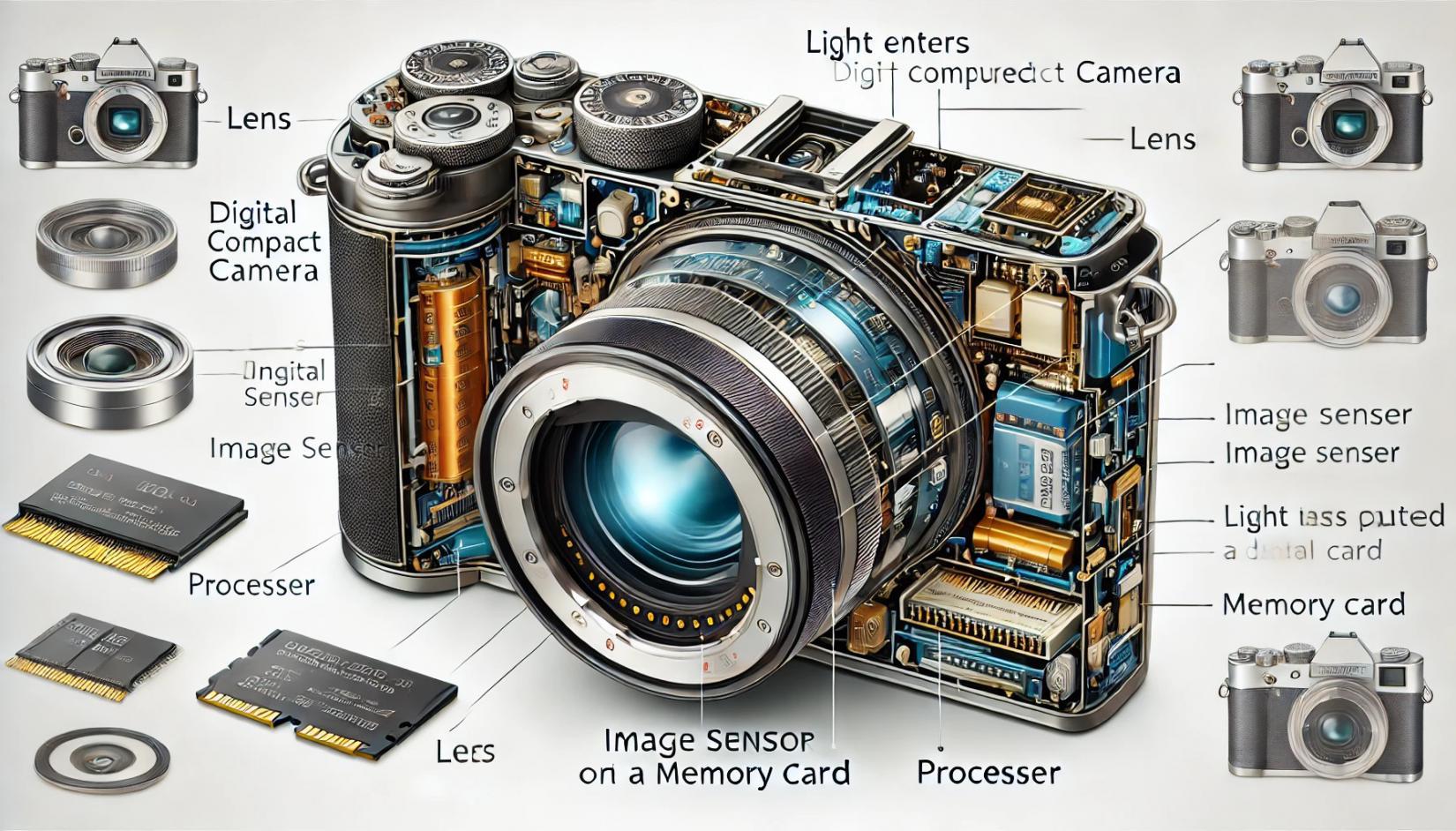
Film cameras hold a special place in the history of photography. Before the digital revolution, they were the primary tools for capturing images, shaping the art and science of photography for more than a century. Even in today’s digital world, film cameras continue to attract enthusiasts for their tactile experience, unique aesthetics, and the timeless quality of analog images.The Origins of...
Image 3
The History of Cameras: From Ancient Obscura to Modern Marvels
The evolution of the camera is a fascinating journey through time, blending art, science, and technology. From the earliest experiments with light and shadow to today's advanced digital photography, the history of cameras reflects humanity’s enduring desire to capture and preserve moments.The Beginnings: Camera ObscuraThe term camera obscura, meaning "dark chamber" in Latin, refers to the...
Image 4
The Best Windows Applications You Should Have
Windows is a versatile operating system with a vast library of applications designed to enhance productivity, creativity, and entertainment. Here is a list of some of the best Windows applications that cater to a variety of needs:Productivity ApplicationsMicrosoft Office Suite: A must-have for document editing, spreadsheet management, and creating presentations. Applications like Word, Excel, and...
Image 5
How do you perform a reset on an LG TV?
Q: How do you perform a reset on an LG TV? A: Quick Answer Performing a reset on an LG TV requires using the remote and the television's control panel. Resetting the TV will help to resolve a number of different issues. There are three different ways to reset an LG TV. Full...
Image 6
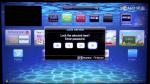
How-To: Full Factory Reset of Samsung TV
Got yourself a misbehaving E or F series Samsung Smart TV? Has the normal Factory Reset not worked for you? Follow these instructions to complete a much more complete Factory Reset that normally only technicians would use.The instructions below will work on an E and F series Samsung Smart TV (I have not tested this on earlier models, but it could also work with those as well). You will...
Image 7
Ways to shutdown/restart your computer via Remote Desktop
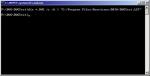
I made me a little .bat file to solve the problem with restart/shutdown. To make a bat file to work with you go to START --> Run --> cmd and press Then you get a command window. Type EDIT and press . Then a blue window opens. Press ALT+F to make the menu appear, and choose "Save As..." You just save the file on your desktop (or another place of your choosing). After...
Image 8
TV resolution confusion: 1080p, 2K, UHD, 4K, 8K, and what they all mean
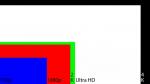
4K & Ultra HD (UHD) Resolution – Comparison of 4k vs 1080p and Everything You Need to Know 4K technology is quickly taking over the mainsteam of the digital video world, from TV screens to computer monitors to cameras and projectors, 4K screen resolution and all of its accompanying features are now no longer just bleeding edge technologies but becoming positively mainstream,...
Image 9
HP PCs - Performing an HP System Recovery (Windows 10)
This document pertains to HP and Compaq computers that came with Windows 10 installed.Learn how to reinstall or restore an HP computer with Windows 10 to an earlier state. Also, learn how to perform a system recovery using HP Recovery Manager. CAUTION:The new Recovery Manager for Fall Update 2015 must be downloaded and installed to successfully perform a system recovery using HP...
Image 10
How to factory reset a Chromebook if you don’t have the password
At the first login screen, simply press Alt+Ctrl+Shift+R and tap the Restart button. Doing so brings up the Powerwash prompt, which you can choose to wipe the device clean within a few minutes. Before finding this key combo, I was in a bit of a panic, thinking I’d have to waste time getting the Chromebook back to my friend to wipe it clean, but now all is...

🚀 Welcome to our website! Stay updated with the latest news. 🎉
Farsi English Norsk RSS